 For Parents

Coloring
Pick a page and color.
Free Coloring Pages
Twelve free pictures for kids ages 3–9. Try the big, easy shapes!
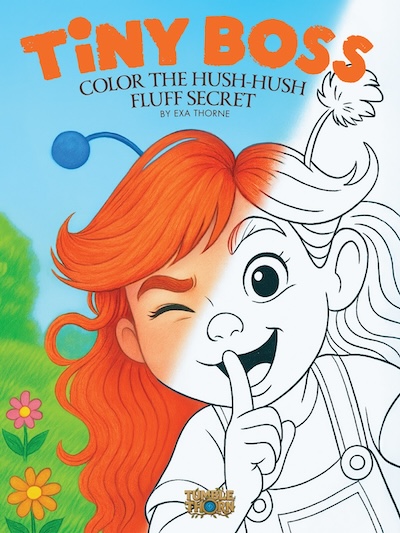
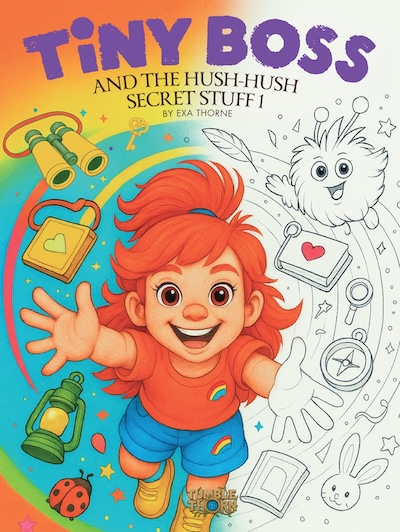
Coloring Books on Amazon
Printed books to color at home. Ask a grown-up to explore them on Amazon.
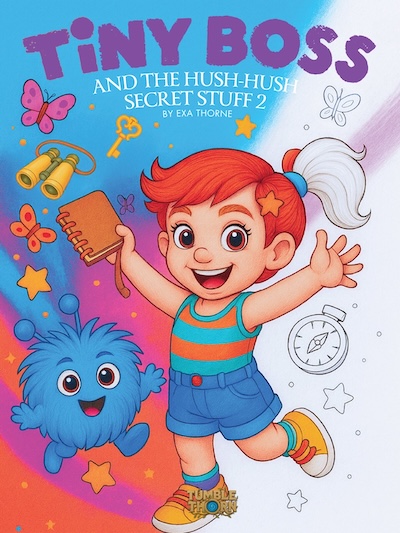
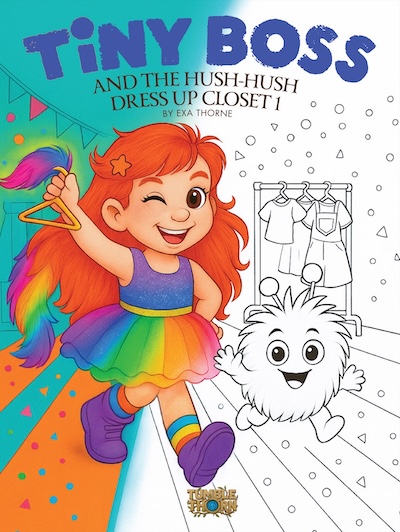
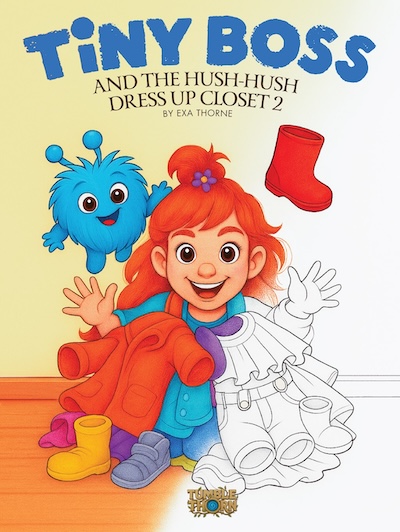
Create Together
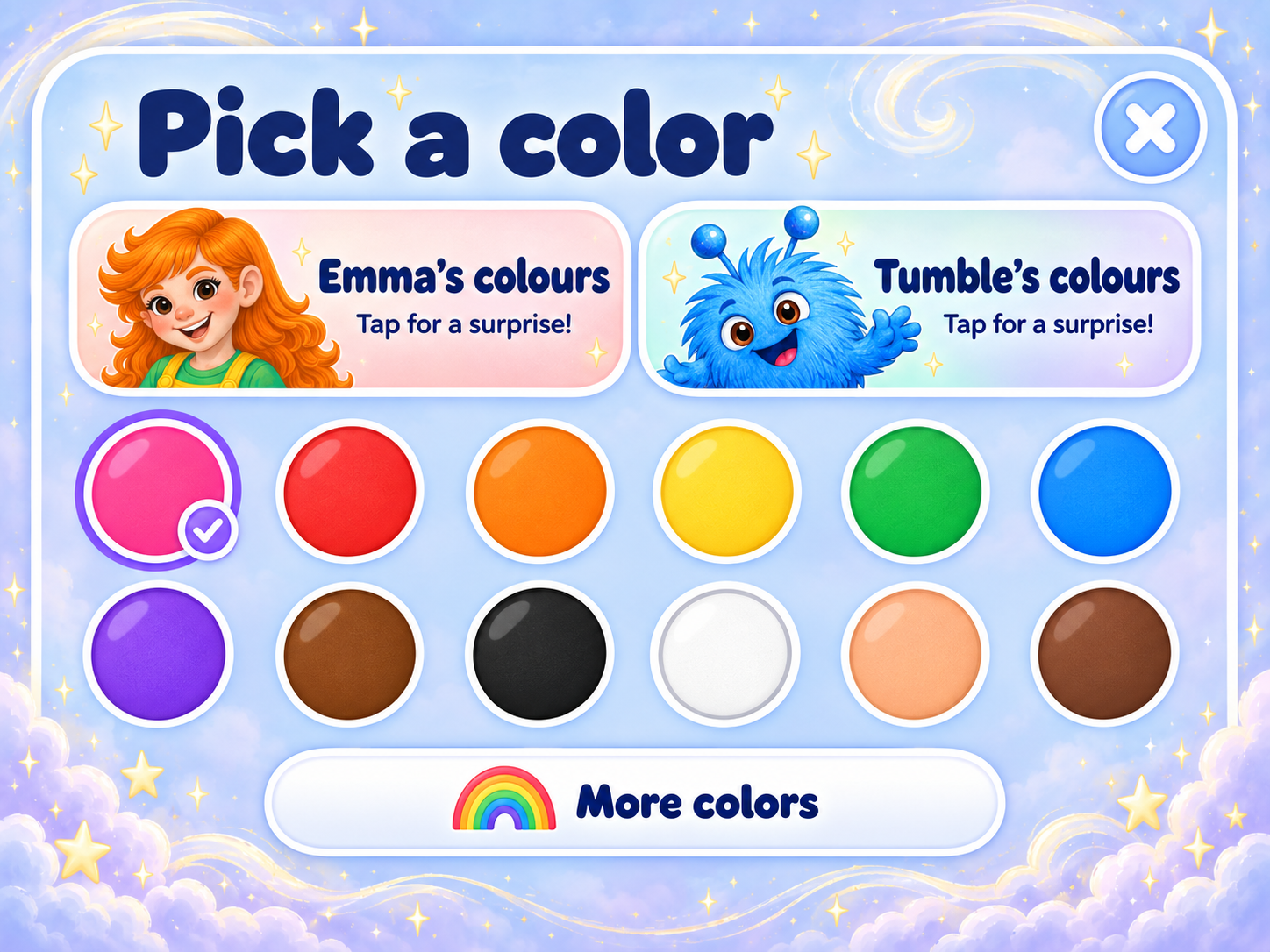
Choose colors together and let your child make the picture their own.
Tips for Sharing
Talk about the tiny details. There is no right or wrong way to color.
Safe & Simple
No social feeds or chat. Explore and enjoy together.